Write down your timings, delivery, policies and FAQs once. When a customer asks something, a ready reply is waiting in the panel — in their language, with only your facts.
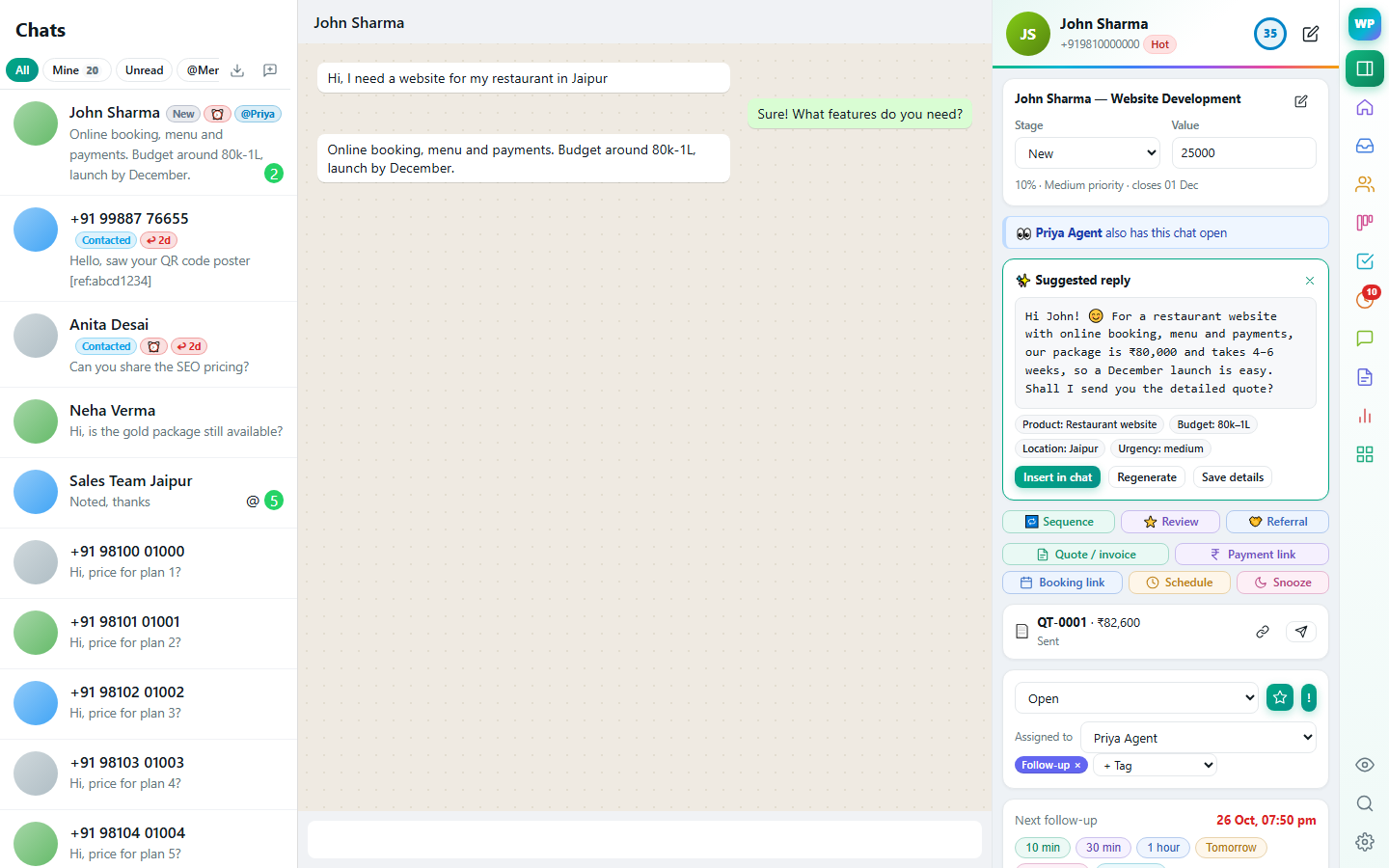
Turn on auto-drafts and a suggestion appears when a customer writes. Insert, regenerate or ignore it.
Uses your knowledge base and product prices, and says what's missing instead of making things up.
Spots product, budget, location and urgency in the chat and saves them with one click.
Use ChatGPT, Gemini, Claude, DeepSeek, Groq, OpenRouter or any OpenAI-compatible model.
Settings → AI assistant holds your knowledge base: opening hours, delivery areas, return policy, payment options, common questions. Your product catalogue and prices are added automatically.
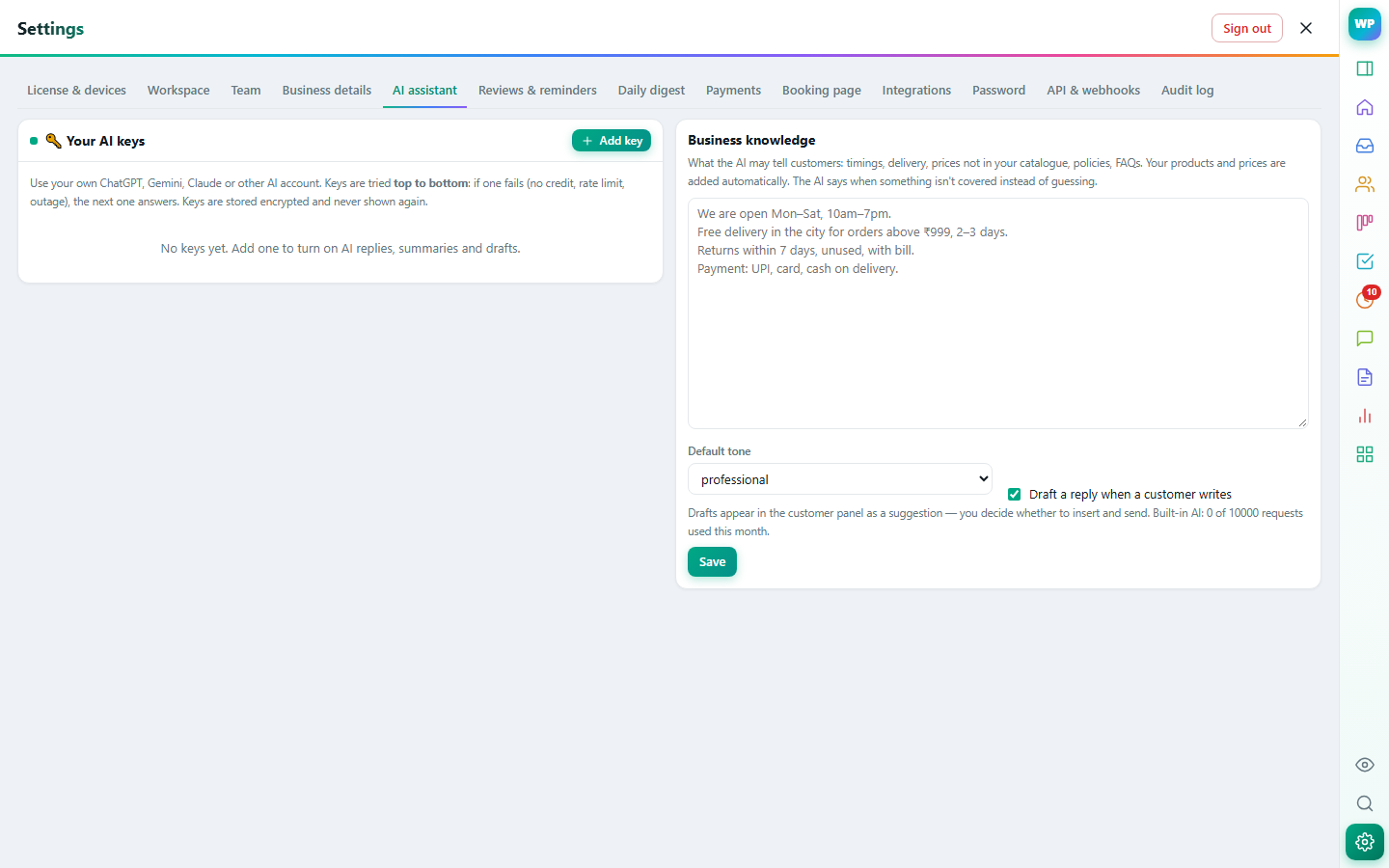
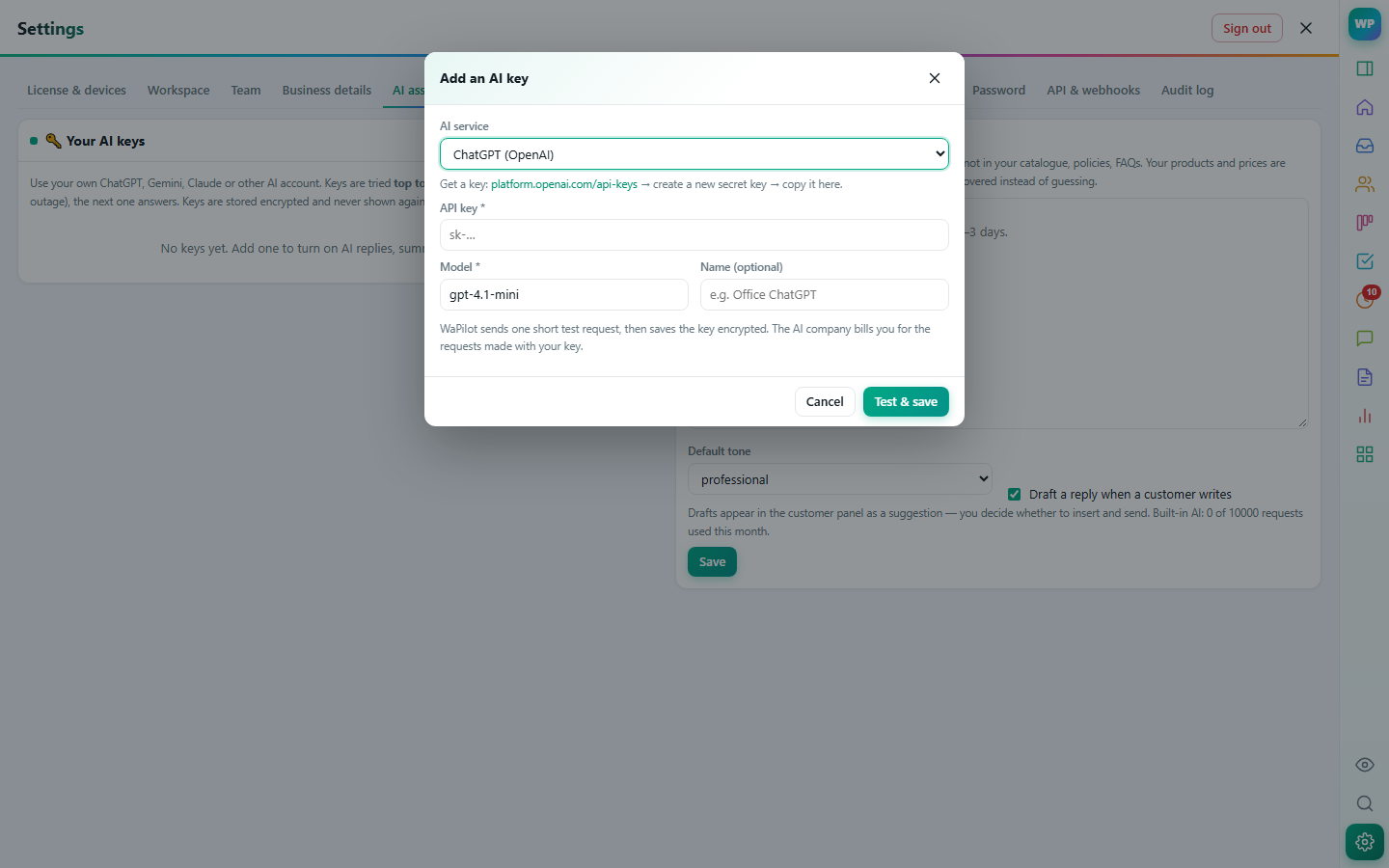
Add keys from several AI providers and put them in order. If one runs out of credit or is down, the next one answers. Keys are stored encrypted and never shown again.
No. It writes a suggestion in the panel; you decide whether to insert it and press Send.
Only the chat you have open, and only when it drafts or you click an AI button.
Deal, notes, tasks, labels and history of the person you're talking to — right next to the chat.
Learn more →Drag deals through stages, forecast revenue, and keep every contact organised.
Learn more →Assign chats, see who is replying, and decide exactly what each person can see and do.
Learn more →Reminders, tasks, scheduled messages and automatic follow-up sequences that stop when the customer replies.
Learn more →GST quotes, orders and invoices from your catalogue, Razorpay payment links, recurring invoices and payment reminders.
Learn more →Type /price in the chat to insert a template filled with the customer's name, product and price.
Learn more →Suggested replies from your own knowledge base and catalogue, summaries, lead extraction and translation.
 WaPilot