Open any chat in WhatsApp Web and WaPilot shows who the customer is, what they want to buy and what happens next. Unknown number? Add it to your CRM in two clicks.
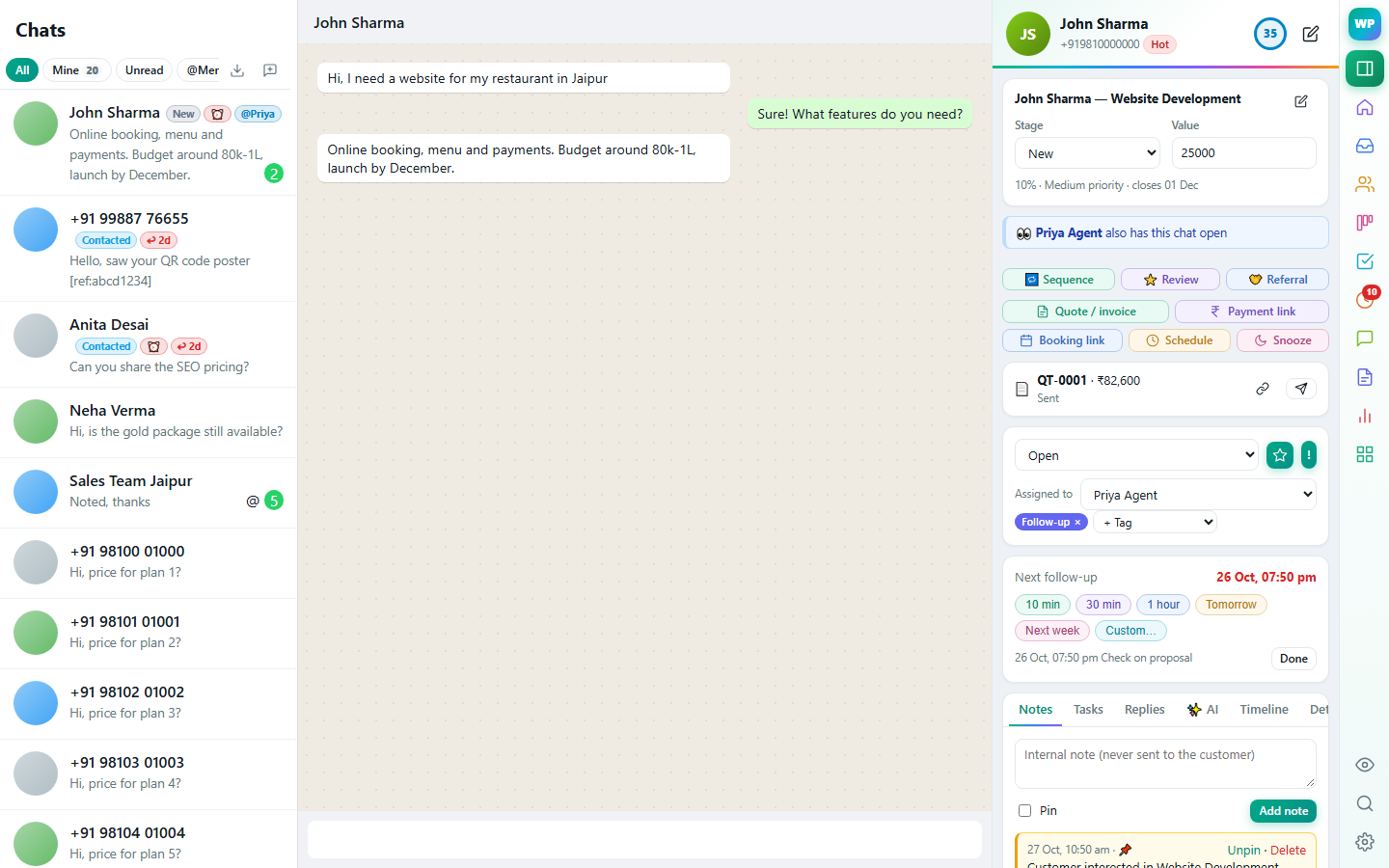
Matches the chat by number or saved name, and reads the number from WhatsApp's contact info when it's hidden.
Stage, value, probability, lead score and expected close date, editable in place.
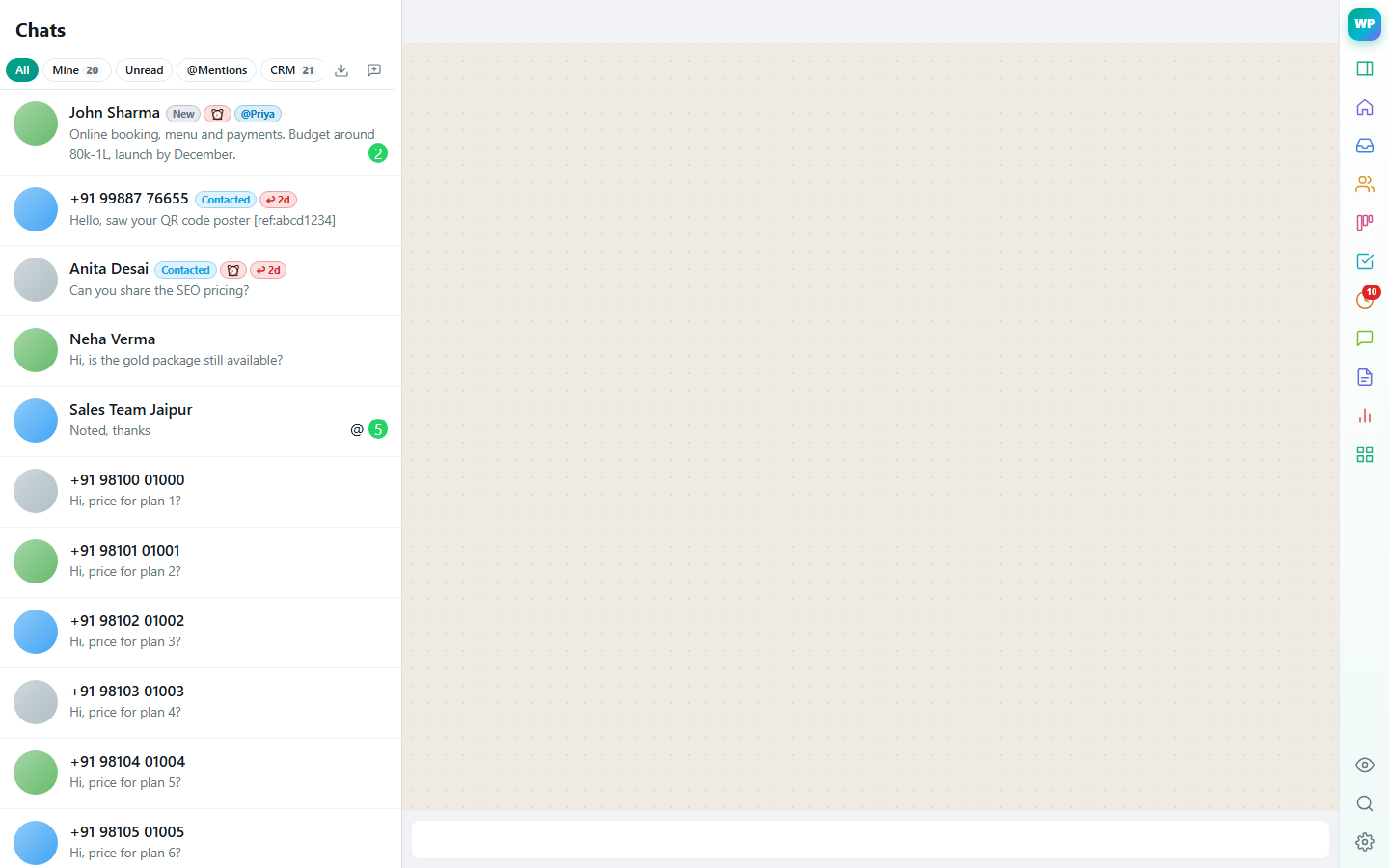
Stage, follow-up, awaiting-reply and unpaid labels on WhatsApp's own chat list, plus tabs to filter it.
Notes, tasks, quotes, payments and activity for each customer.
Every chat row shows its stage and status. Tabs above the list filter WhatsApp to Mine, Unread, @Mentions, Follow-up, Awaiting reply, Unpaid or Snoozed — so you always know which customer needs you.
A new enquiry arrives from an unknown number: the panel offers "Add to CRM" with the name and number already filled in, and can turn it into a lead straight away.
No. WaPilot adds a panel next to WhatsApp Web in your browser. Your chats stay in WhatsApp; nothing is sent without you pressing Send.
Chrome, Edge and other Chromium browsers, and Firefox.
Suggested replies from your own knowledge base and catalogue, summaries, lead extraction and translation.
Learn more →Drag deals through stages, forecast revenue, and keep every contact organised.
Learn more →Assign chats, see who is replying, and decide exactly what each person can see and do.
Learn more →Reminders, tasks, scheduled messages and automatic follow-up sequences that stop when the customer replies.
Learn more →GST quotes, orders and invoices from your catalogue, Razorpay payment links, recurring invoices and payment reminders.
Learn more →Type /price in the chat to insert a template filled with the customer's name, product and price.
Learn more →Deal, notes, tasks, labels and history of the person you're talking to — right next to the chat.
 WaPilot