Get your customers out whenever you need them: for a campaign, your phone's contacts or another tool. Bring existing lists in just as easily.
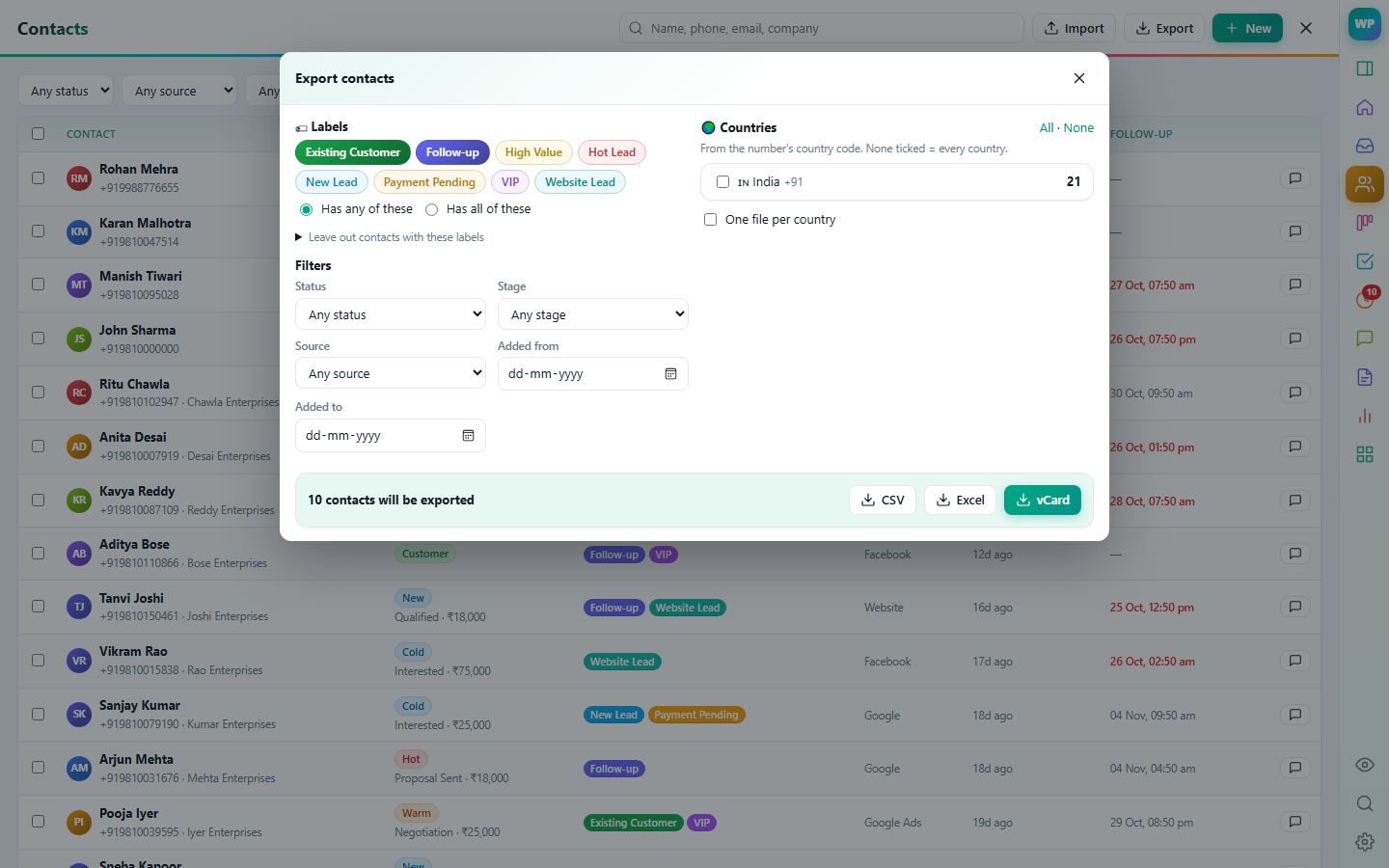
Customers with any or all of the labels you pick, and leave others out.
From the number's country code, with one file per country if you like.
vCard imports straight into your phone or Google Contacts.
Export your chat list or a group's members, or add them to the CRM.
Map your columns once, skip or update duplicates, and add labels to everyone you import.
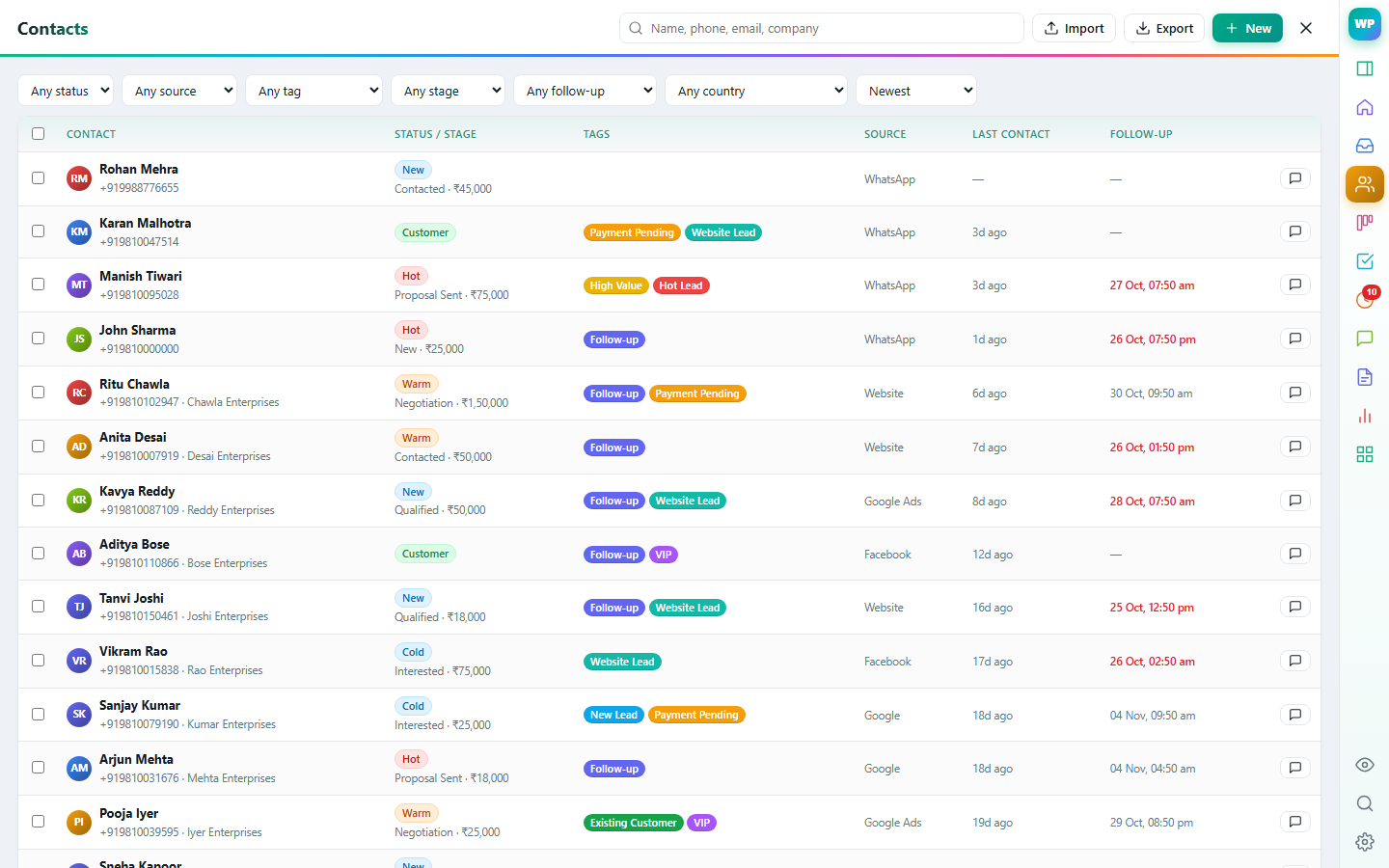
Only if their role allows it.
Deal, notes, tasks, labels and history of the person you're talking to — right next to the chat.
Learn more →Suggested replies from your own knowledge base and catalogue, summaries, lead extraction and translation.
Learn more →Drag deals through stages, forecast revenue, and keep every contact organised.
Learn more →Assign chats, see who is replying, and decide exactly what each person can see and do.
Learn more →Reminders, tasks, scheduled messages and automatic follow-up sequences that stop when the customer replies.
Learn more →GST quotes, orders and invoices from your catalogue, Razorpay payment links, recurring invoices and payment reminders.
Learn more →Contacts to CSV, Excel or vCard — filtered by label, country, stage or date — and WhatsApp group members.
 WaPilot